



d

Lorem ipsum dolor sit amet, con sect etur adip isic ing elit, sed do eiusmod tempo.

Demo

See how a Digital Showroom could work for your brand.

A Digital Showroom gives your brand one polished place to present approved assets, launch material, product content and partner downloads — without sending the same files again and again.

Spring Launch Collection

A ready-to-share showroom collection with campaign images, product shots, captions, product sheets and press-ready downloads.
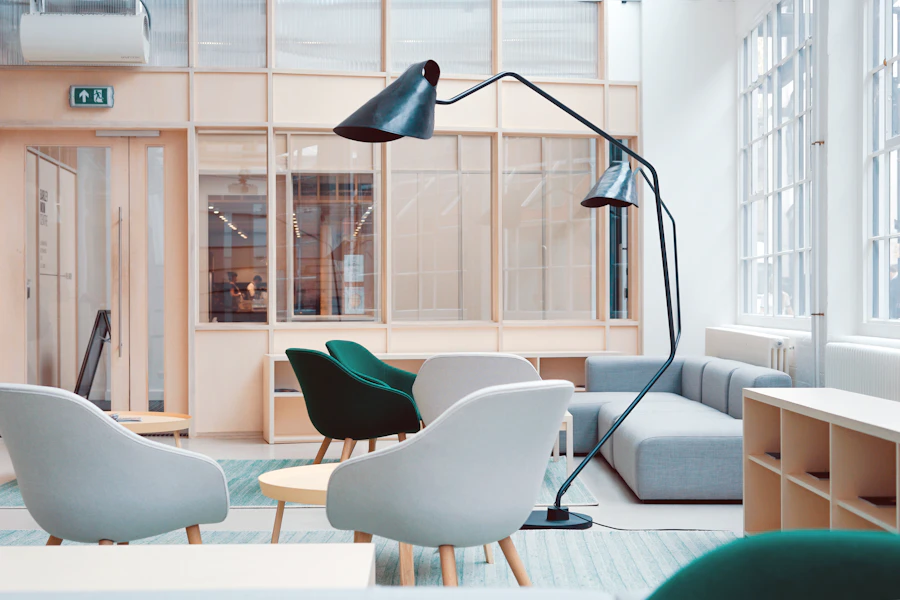
Partner Ready
Campaign visuals

Campaign Imagery

Approved visuals for retailers, social posts and seasonal campaigns.

Product sheets

Product Assets

Product images, descriptions, line sheets and launch information.

Partner files

Partner Files

Material selected for distributors, sales agents, press and stockists.
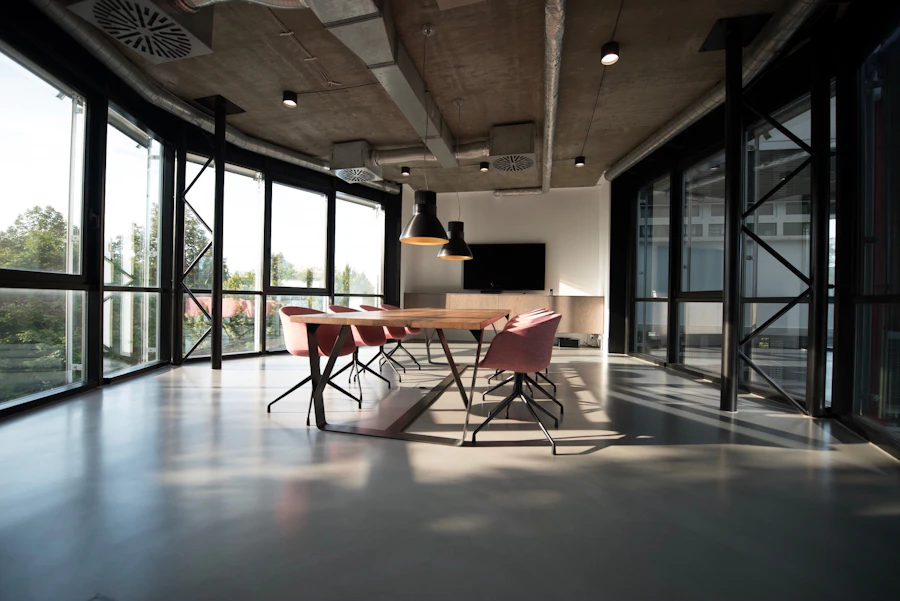
Press material

Press Material

Brand assets, lifestyle images and approved editorial downloads.

Team collection

Team Collection

Internal folders for marketing, sales and brand teams.

Launch pack

Launch Pack

A complete package for a new product, season or market release.
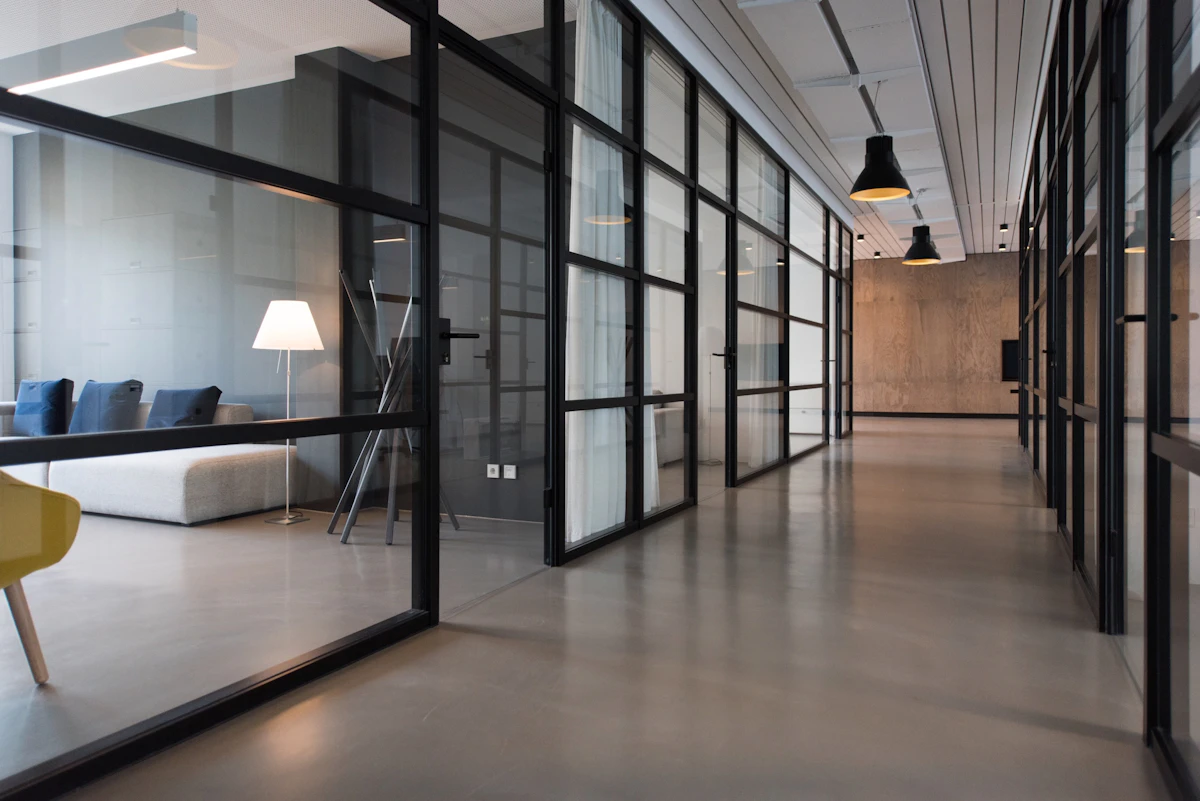
The showroom idea is simple.

Your brand gets one branded destination. You upload the material once, organize it into useful collections, and let the right people find and download what they need.
Showroom flow 01

Upload your assets

Add product images, campaign visuals, videos, product sheets, lookbooks, logos and press files.

Showroom flow 02

Create collections

Group assets by launch, season, retailer, distributor, campaign, press request or partner need.

Showroom flow 03

Share access

Let retailers, agents, press, creators and distributors browse and download from one branded place.

A cleaner way to show partners what they can use.

Instead of sending a folder every time someone asks for product images, your team can direct them to a showroom collection that already contains the right files, descriptions and launch material.

The experience should feel like a brand-controlled showroom for downloadable content, not a technical storage folder.

  • Retail-ready product image collections
  • Campaign and seasonal launch folders
  • Press, creator and distributor download areas
  • Internal team organization for brand material
Organized creative workspace
Team reviewing a digital product

Designed to feel like your brand, not like software.

Every Digital Showroom can use the same underlying structure — categories, assets, lightbox previews, downloads, 1:1 crops, 9:16 story crops and share by email. The design changes the feeling of the experience.

Choose a showroom design that fits your world: editorial, minimal, campaign-led, structured or partner-focused.

  • Six showroom design directions
  • Live previews with the same demo content
  • Lightbox preview and download actions
  • Mobile-friendly browsing for partners

Want to see the real showroom experience?

Explore the live showroom designs, then start free and build the version that fits your brand.

Support & onboarding

Need help getting started?

Get quick help with starting free, testing the demo, choosing a plan, or understanding how Media Bank can grow with Maude modules.